Loading OneFoundry
Trust model
Trust starts with seeing the work.
OneFoundry keeps the trust model simple: policy before action, readable proof during work, and receipts with suggested follow-ups after execution.
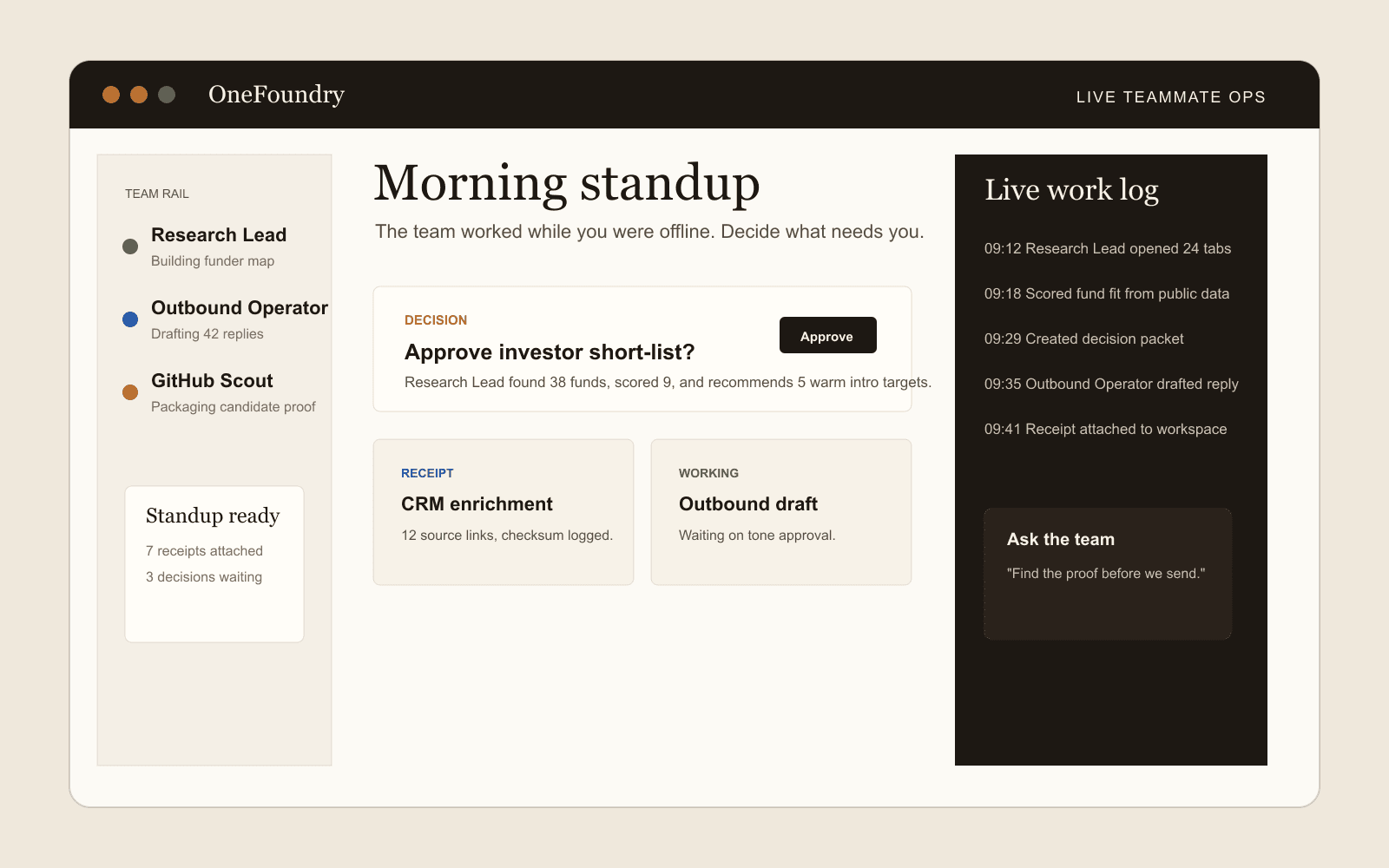
Work you can inspect
Visible queue
Waiting on approval
Active automation
Next run Thu 9:00
Proactive monitor
Checked 18 minutes ago
Dashboard preview
Needs review
Policy, evidence, memory
Trust lives in the product.
Instead of hiding AI work behind chat, OneFoundry makes teammate work visible through the same artifacts operators already use to review work.
01
Policy
Define what teammates can do alone, what requires approval, and what is never allowed for the workspace.
02
Evidence
Attach sources, timestamps, checksums, and action metadata to the receipts that support teammate work.
03
Memory
Keep durable operating context so future work can reuse what has already been proven without hiding assumptions.
Action permissions
Risky actions should stop and ask.
Drafting, reading, writing, sending, sharing, deleting, spending, and browser fallback are governed by policy before a teammate acts.
01
Draft without approval
A teammate can draft outreach, reports, and follow-ups inside the workspace when policy allows it.
02
Approve before side effects
Sending messages, changing external records, sharing artifacts, or spending heavily should pause for a decision packet.
03
Show browser evidence
Browser fallback work is labeled and supported by screenshots, action logs, redaction, and linked receipts.
Admin audit
Sensitive actions should leave a record.
Receipts remain the operator-facing proof, while admins get an export-safe action audit log for policy changes, connector operations, browser side effects, work product sharing, and approval outcomes.
Policy changes
Admins can filter permission updates by provider, action, approval decision, side effect, teammate, tool, or idempotency key.
External actions
Connector writes, sends, shares, browser side effects, and artifact shares use the same export-safe audit shape.
Deep links
Receipts and admin surfaces can link directly to the relevant action record without exposing raw secrets or request payloads.
Permission examples
Name the action, not just the connector.
A provider can be available for one action while another action still requires approval, certification, or a hard block.
Allowed inside configured scope
Read approved records
Refresh an account research pack from a read-certified CRM or workspace export.
Allowed when there is no external side effect
Draft or stage changes
Prepare an investor update, support reply, or dashboard preview for review.
Approval-required or forbidden unless policy explicitly allows it
Write, send, share, delete, or spend
Pause before sending outreach, changing external records, sharing artifacts, or spending budget.
Evidence-first with side-effect locks
Use browser fallback
Gather source proof through a browser session, then require approval before submit or send actions.
Timeline proof
Long-running work should leave a readable trail.
The milestone timeline explains what happened, what proof supports it, where the work paused, and what follow-up should happen next.
01
Queued
The teammate creates a backlog item from a user ask, monitor trigger, or follow-up suggestion.
Queue state, owner teammate, source event, and requested outcome
02
Checked sources
Configured pages, connector records, files, or search queries are checked within the approved boundary.
Source URLs, connector status, freshness, timestamps, and redaction state
03
Produced artifact
The teammate creates or updates a work product such as a brief, matrix, account pack, or dashboard preview.
Linked receipts, evidence notes, assumptions, and cost context where available
04
Needs decision
Risky external actions pause for review instead of being treated as ordinary background work.
Policy reason, draft preview, side-effect description, and approval history
05
Receipt stored
The final state stays inspectable after the run completes, fails, is retried, or becomes blocked.
Run timeline, receipt, linked work product, and next suggested follow-up
Follow-up governance
Suggestions create state, not surprises.
A teammate can recommend next work after a receipt is stored, but accepted follow-ups still become visible queue items, monitors, automations, or decisions under the same policy.
01
Suggest next work
After a work product completes, the teammate can suggest a refresh, schedule, monitor, decision, or follow-up draft instead of ending at a receipt.
02
Create visible state
Accepted suggestions become inspectable automations, monitors, backlog items, or decision packets with owner, source, and policy context.
03
Keep approval gates
A suggestion is not permission to send, write, share, delete, spend, or use a provider path beyond its approved status.
Normal vs advanced proof
Workspace detail should be useful without overclaiming access.
Normal proof is written for operators. Advanced workspace proof can expose redacted files, scripts, connector calls, browser sessions, artifacts, retries, and run notes where available, while preserving provider status and approval boundaries.
01
Normal proof view
Most review starts with readable milestones: queued, checked sources, produced artifact, needs decision, receipt stored, and suggested follow-up.
02
Advanced workspace view
When available, the workspace computer view can show redacted files, scripts, connector calls, browser sessions, artifacts, retries, and run notes.
03
Boundary labels
Workspace activity remains tied to certified, read-certified, available, custom API, browser, or blocked status instead of implying broad account access.