Loading OneFoundry
Hire. Review. Keep moving.
The simplest way to work with AI teammates.
Choose a proven role or describe the job you need. Give the teammate a narrow first outcome. Review the work. Turn useful results into refreshes, monitors, or decisions.
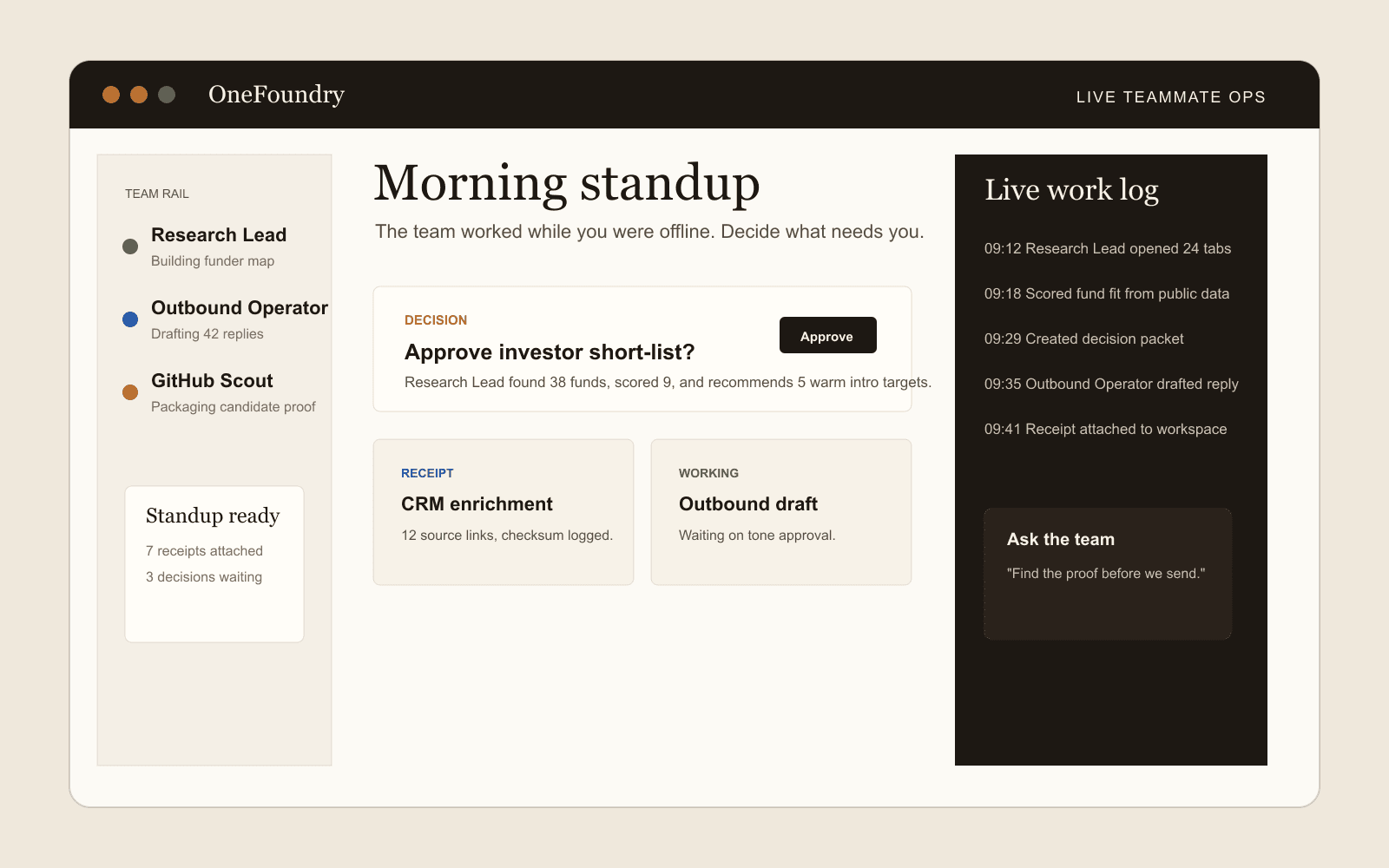
Work you can inspect
Visible queue
Waiting on approval
Active automation
Next run Thu 9:00
Proactive monitor
Checked 18 minutes ago
Dashboard preview
Needs review
The loop
Three steps. Repeated every day.
Define the role, inspect the result, and approve the moments that need human judgment.
01
Hire
Choose a proven role or describe your own. Set what it can access. Give it a narrow first outcome.
02
Deliver
The teammate returns a saved work product with sources, status, proof, and the next decision.
03
Keep current
Turn useful work into a refresh, monitor, queue item, or decision without losing control.
Follow-up suggestions
Completed work should point forward.
A teammate can recommend a refresh, schedule, monitor, backlog item, or decision after delivery. The suggestion stays reviewable and does not bypass connector status, approval policy, or side-effect boundaries.
01
Suggest next work
After a work product completes, the teammate can suggest a refresh, schedule, monitor, decision, or follow-up draft instead of ending at a receipt.
02
Create visible state
Accepted suggestions become inspectable automations, monitors, backlog items, or decision packets with owner, source, and policy context.
03
Keep approval gates
A suggestion is not permission to send, write, share, delete, spend, or use a provider path beyond its approved status.
Why it works
The teammate owns the work state.
Chat disappears when the tab closes. A teammate keeps a visible backlog, updates work products, runs recurring jobs, watches configured sources, writes receipts, records milestone timelines, and knows when it needs approval.
- Work product library
- Visible queue and backlog
- Active automations
- Proactive monitors
- Run timeline with proof
- Connector status catalog
- Approval and evidence packet
Normal vs advanced proof
Proof starts readable, then gets technical.
The normal view explains milestones, proof, and suggested follow-ups in plain language. Advanced workspace detail can show redacted files, scripts, connector calls, browser sessions, artifacts, and retries where that activity exists.
01
Normal proof view
Most review starts with readable milestones: queued, checked sources, produced artifact, needs decision, receipt stored, and suggested follow-up.
02
Advanced workspace view
When available, the workspace computer view can show redacted files, scripts, connector calls, browser sessions, artifacts, retries, and run notes.
03
Boundary labels
Workspace activity remains tied to certified, read-certified, available, custom API, browser, or blocked status instead of implying broad account access.