Loading OneFoundry
AI teammates for real work
Hire AI teammates. See the work.
Start from a proven role or describe the role you need. OneFoundry gives each teammate a job, a queue, and a record of what happened while you stay in control.
Simple by design
A teammate should leave work behind.
Not another blank chat box. Start with a proven role or describe your own; OneFoundry gives every teammate approved sources, a visible queue, and saved work your team can inspect.
01
Hire
Choose a proven role or describe your own. Set what it can access. Give it a narrow first outcome.
02
Deliver
The teammate returns a saved work product with sources, status, proof, and the next decision.
03
Keep current
Turn useful work into a refresh, monitor, queue item, or decision without losing control.
Built for real work
Each teammate owns the job, not just the reply.
Fundraising, outbound, research, portfolio packaging, compliance review, chief-of-staff work, and the roles unique to your company all need follow-through. The teammate keeps work current, brings back proof, and asks before risky actions.
Work you can inspect
Visible queue
Waiting on approval
Active automation
Next run Thu 9:00
Proactive monitor
Checked 18 minutes ago
Dashboard preview
Needs review
See it in action
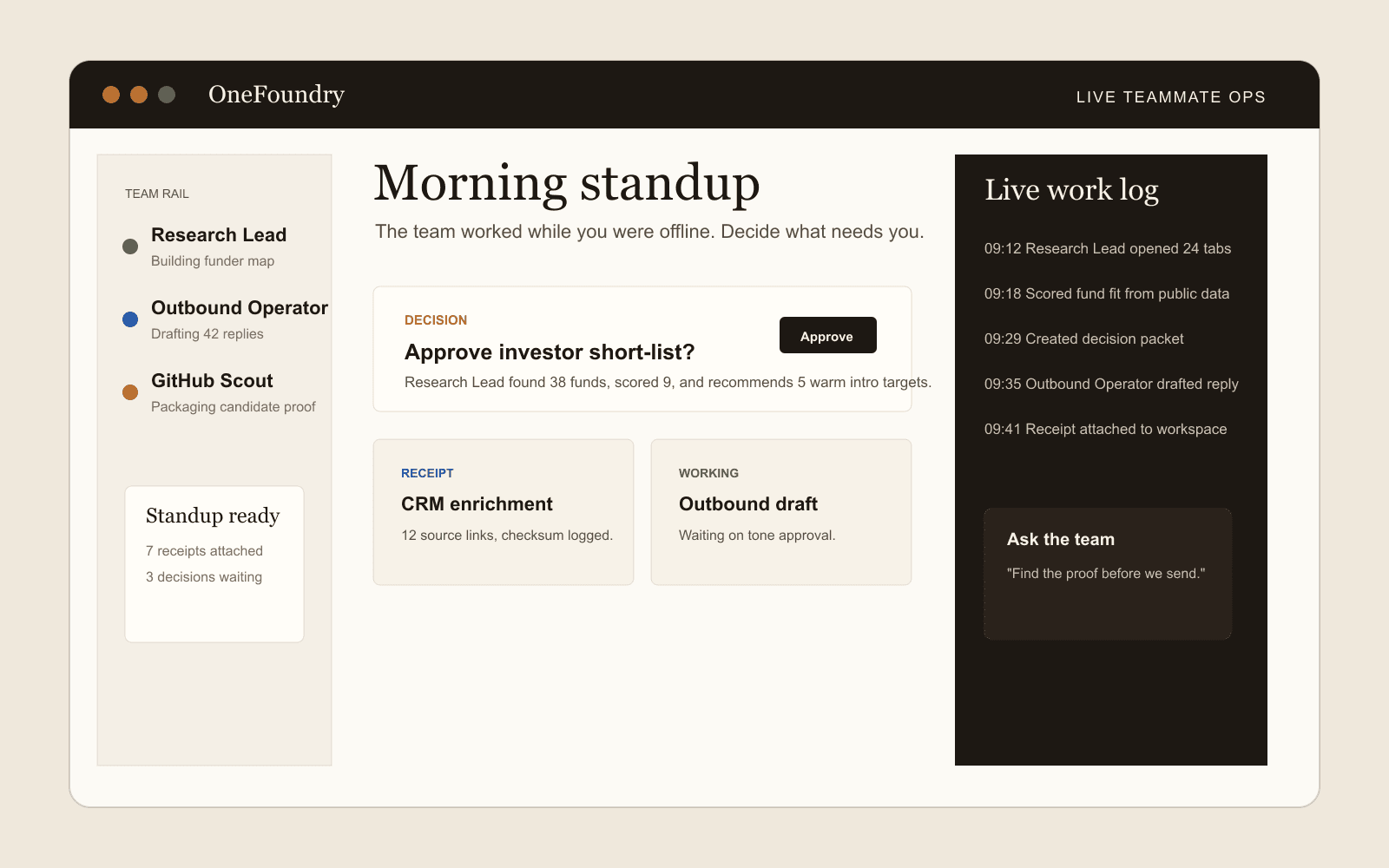
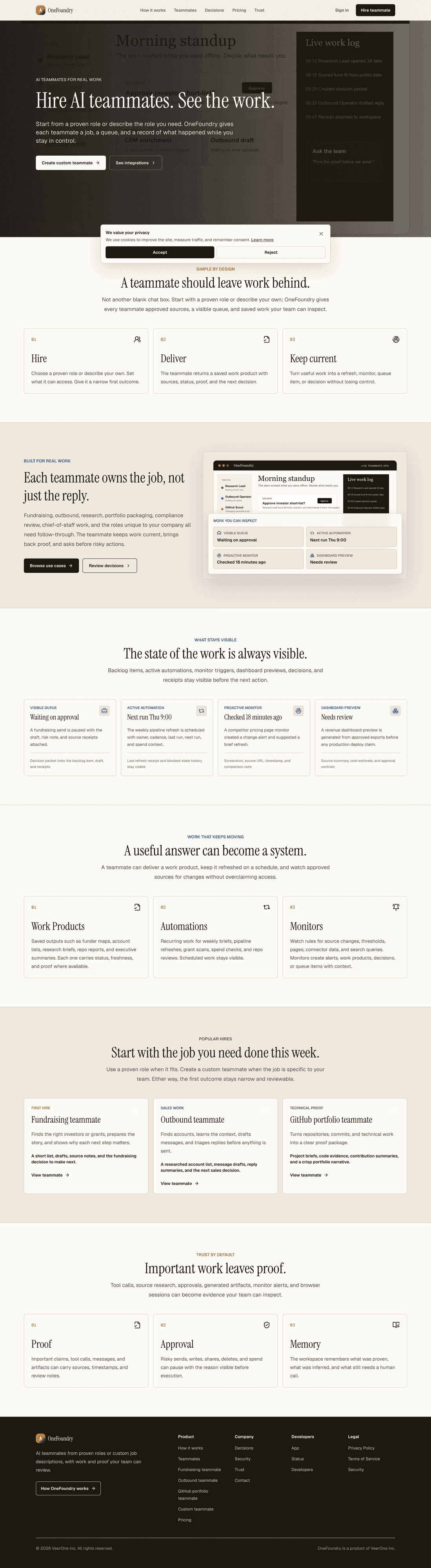
The marketing surface, captured live.
A real screenshot of the OneFoundry home experience teams land on, not a mockup.
onefoundry.app
What stays visible
The state of the work is always visible.
Backlog items, active automations, monitor triggers, dashboard previews, decisions, and receipts stay visible before the next action.
Visible queue
Waiting on approval
A fundraising send is paused with the draft, risk note, and source receipts attached.
Decision packet links the backlog item, draft, and receipts
Active automation
Next run Thu 9:00
The weekly pipeline refresh is scheduled with owner, cadence, last run, next run, and spend context.
Last refresh receipt and blocked-state history stay visible
Proactive monitor
Checked 18 minutes ago
A competitor pricing page monitor created a change alert and suggested a brief refresh.
Screenshot, source URL, timestamp, and comparison note
Dashboard preview
Needs review
A revenue dashboard preview is generated from approved exports before any production deploy claim.
Source summary, cost estimate, and approval controls
Work that keeps moving
A useful answer can become a system.
A teammate can deliver a work product, keep it refreshed on a schedule, and watch approved sources for changes without overclaiming access.
01
Work Products
Saved outputs such as funder maps, account lists, research briefs, repo reports, and executive summaries. Each one carries status, freshness, and proof where available.
02
Automations
Recurring work for weekly briefs, pipeline refreshes, grant scans, spend checks, and repo reviews. Scheduled work stays visible.
03
Monitors
Watch rules for source changes, thresholds, pages, connector data, and search queries. Monitors create alerts, work products, decisions, or queue items with context.
Popular hires
Start with the job you need done this week.
Use a proven role when it fits. Create a custom teammate when the job is specific to your team. Either way, the first outcome stays narrow and reviewable.
First hire
Fundraising teammate
Finds the right investors or grants, prepares the story, and shows why each next step matters.
A short list, drafts, source notes, and the fundraising decision to make next.
View teammateSales work
Outbound teammate
Finds accounts, learns the context, drafts messages, and triages replies before anything is sent.
A researched account list, message drafts, reply summaries, and the next sales decision.
View teammateTechnical proof
GitHub portfolio teammate
Turns repositories, commits, and technical work into a clear proof package.
Project briefs, code evidence, contribution summaries, and a crisp portfolio narrative.
View teammateTrust by default
Important work leaves proof.
Tool calls, source research, approvals, generated artifacts, monitor alerts, and browser sessions can become evidence your team can inspect.
01
Proof
Important claims, tool calls, messages, and artifacts can carry sources, timestamps, and review notes.
02
Approval
Risky sends, writes, shares, deletes, and spend can pause with the reason visible before execution.
03
Memory
The workspace remembers what was proven, what was inferred, and what still needs a human call.